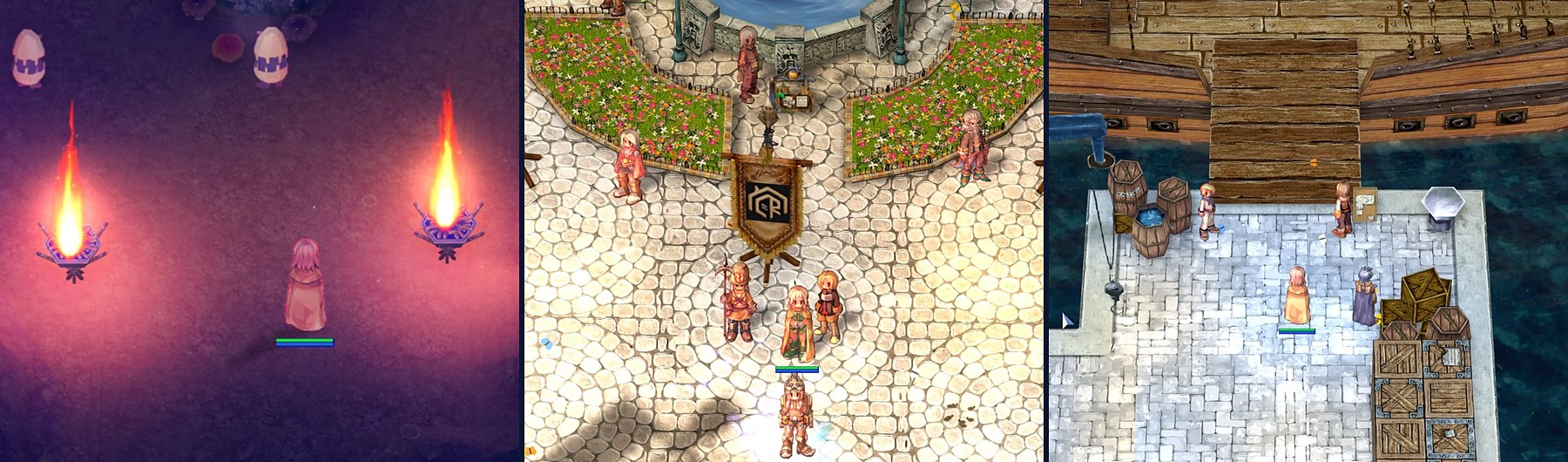
Meet the uaRO HD Client — the full uaRO client with uaRO Graphics built in. It is Ragnarok as you have never seen it: sharp HD textures, light and shadows, living water, grass and weather. The same server, your account, characters and items. Only the picture changes.
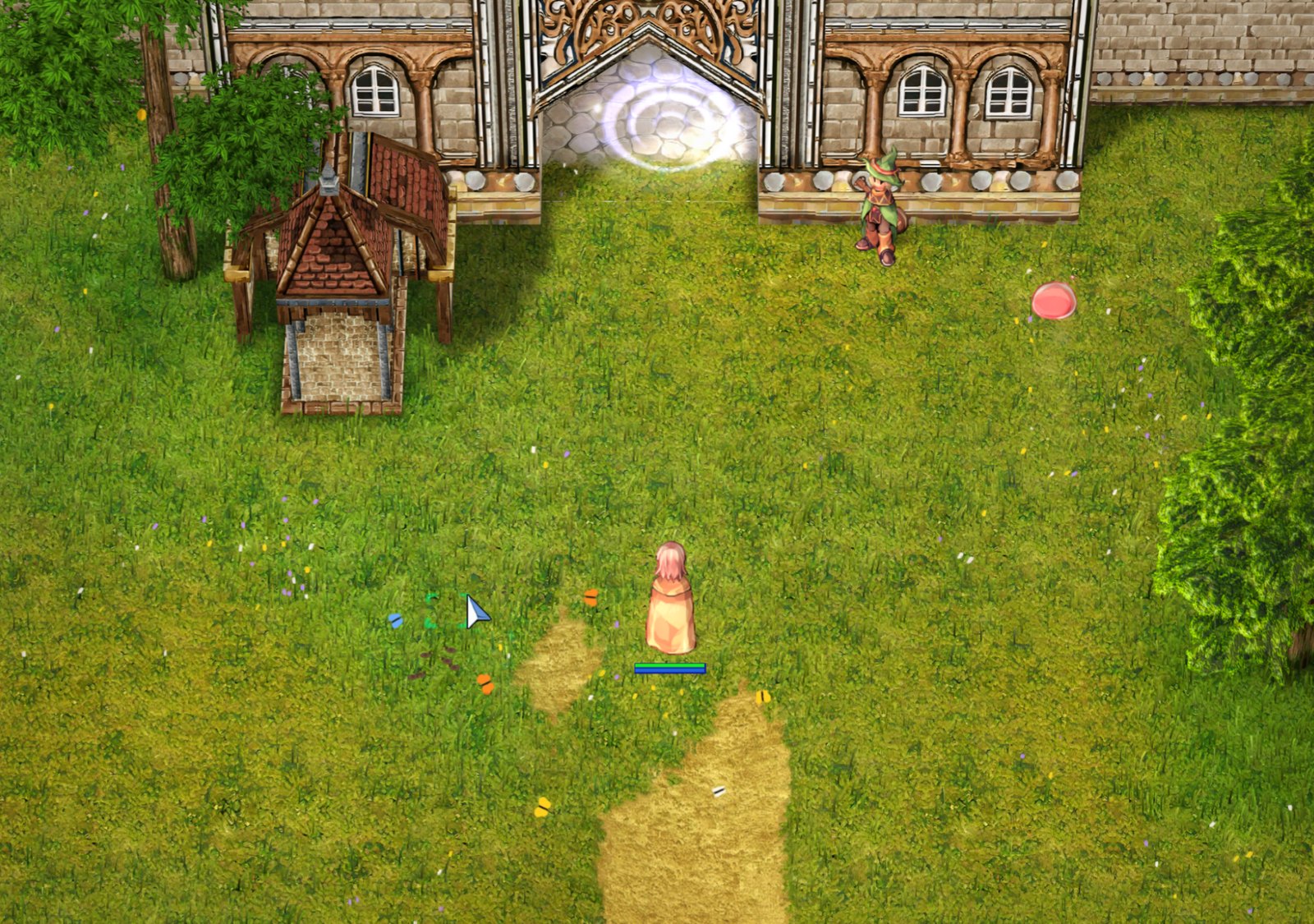
What is new
- HD textures. 306 thousand game pictures redrawn four times sharper: characters, monsters, items, buildings, the ground.
- 4K and DLSS. Up to 3840×2160, and DLSS on NVIDIA GeForce RTX cards.
- Light and shadows. The sun follows your computer's clock, buildings and trees cast shadows, torches and lanterns shine at night.
- Water and weather. Waves and reflections, rain, snow, falling leaves and sand wind. Seasons — in winter snow lies on the roofs and the cobblestones.
- A living world. Grass on the fields and flower beds, butterflies by day, fireflies at night.
- Skill effects. The fire of skills lights the ground around it, portals are redrawn at full resolution.
- A sharp interface and speed. The game's text and windows are crisp on a large monitor. The game opens in 0.3 s, a map loads in 0.2 s.
- Several windows and a gamepad. The windows' panel right in the game, light background windows, play with an Xbox or PlayStation gamepad.
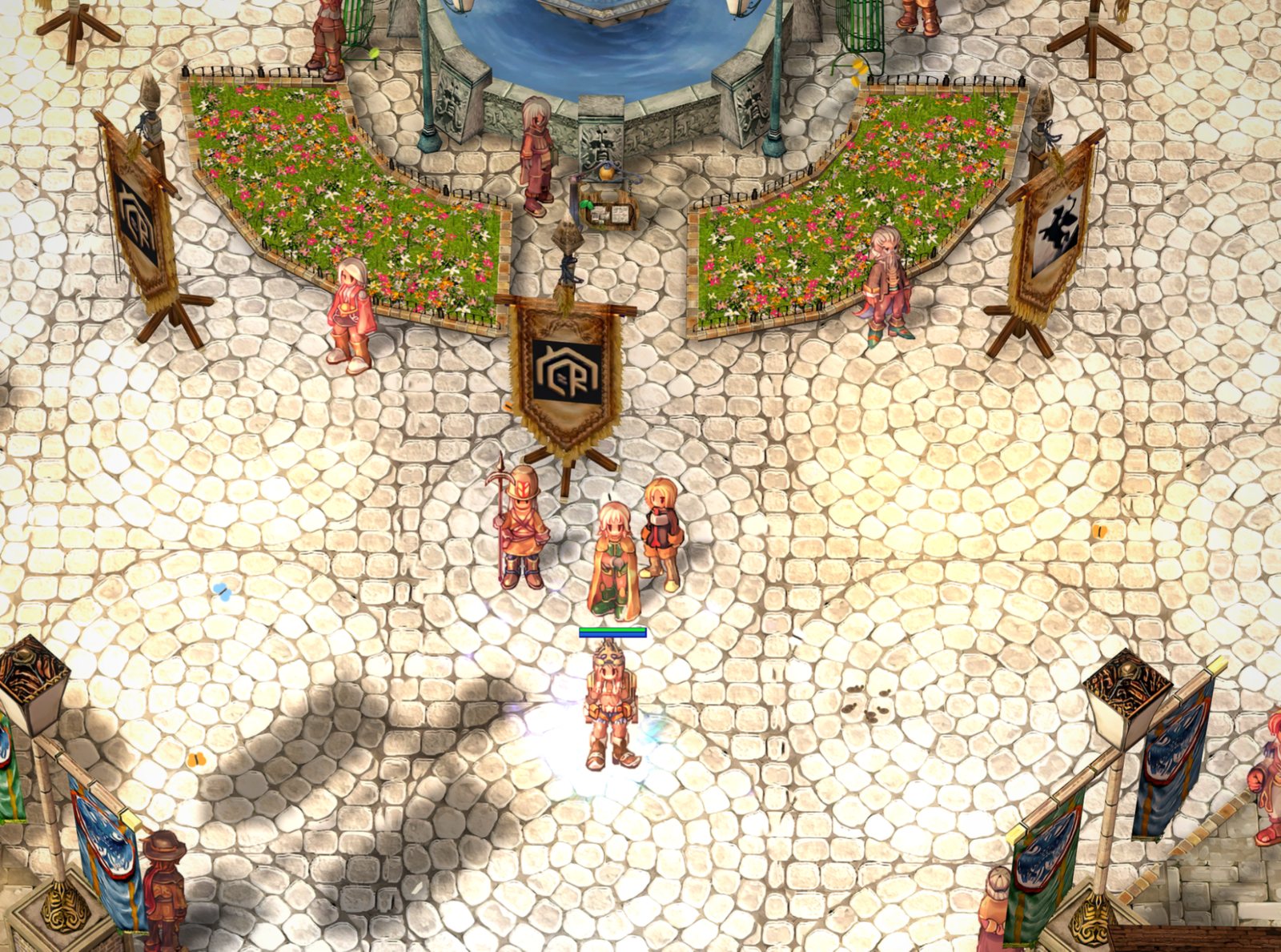
No advantage in the game
uaRO HD changes only the picture: the rules, the character's speed and the view distance are the same as in the classic client.
What it runs on
Any computer that runs the classic uaRO: Windows 7, 8, 10 or 11 and any video card, even an old one. The program picks the settings for your card by itself. A weak laptop? There is a light mode, and any effect can be turned off on its own. Best: Windows 10 or 11 and a DirectX 12 video card.
How to start
- Download the archive (8.2 GB) from the uaRO HD Client page. On disk the client takes about 9 GB.
- Unpack it into a folder of its own, for example
C:\Games\uaRO-HD. The classic uaRO client stays as it is — you can keep both. - Start the “uaRO HD” shortcut on the desktop and log in with your account. Updates come by themselves.
Something does not work right? Press Ctrl+Shift+F10 right in the game — your report reaches us with a screenshot and the logs. Discussion and questions — on the forum.