uaRO HD Client
Ragnarok as you have never seen it: 4K, HD textures, light and shadows, living water, grass and weather. The same uaRO server and your account — only the picture changes.
Installs on its own, next to the regular uaRO client. Updates itself.
Drag the slider
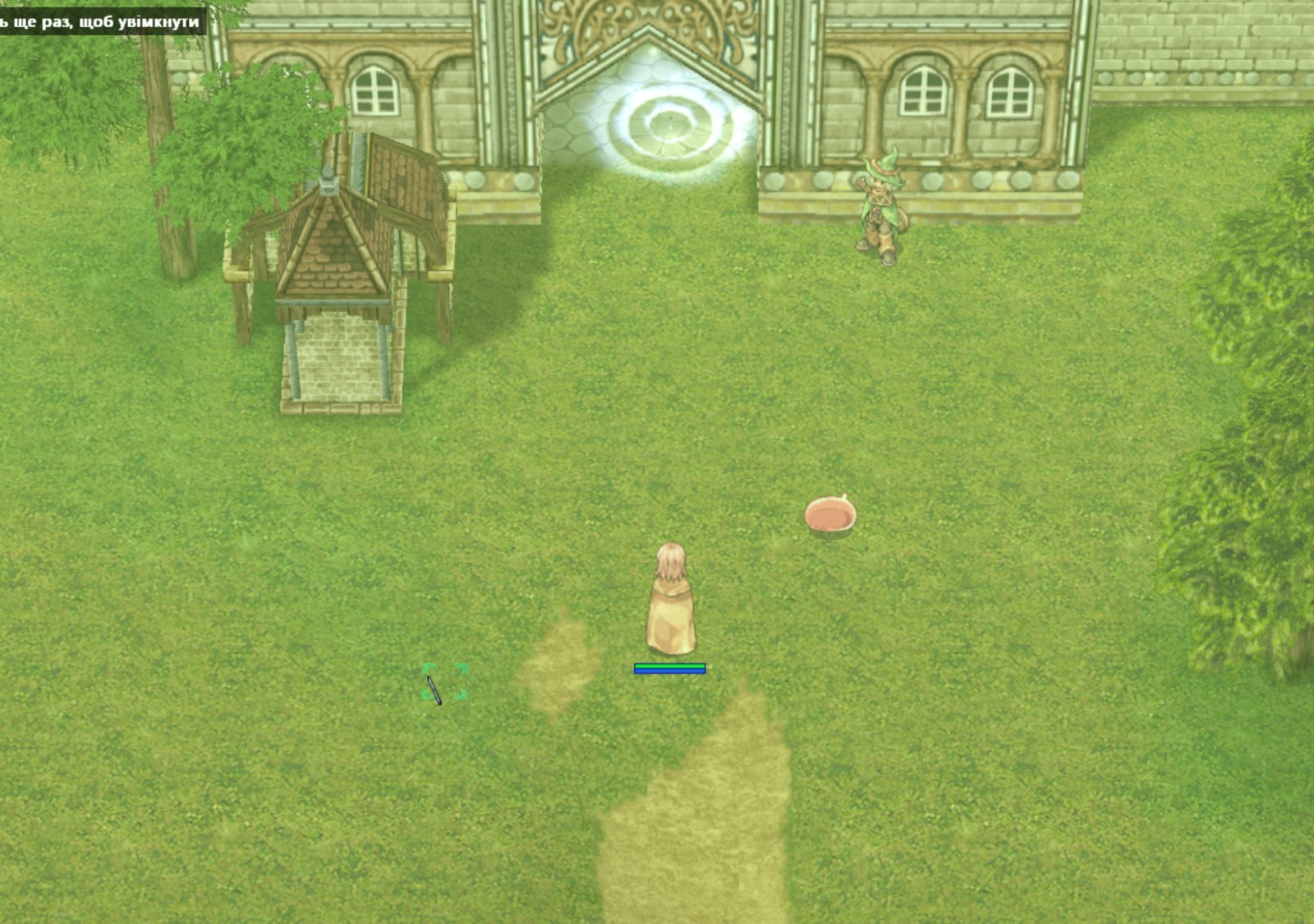
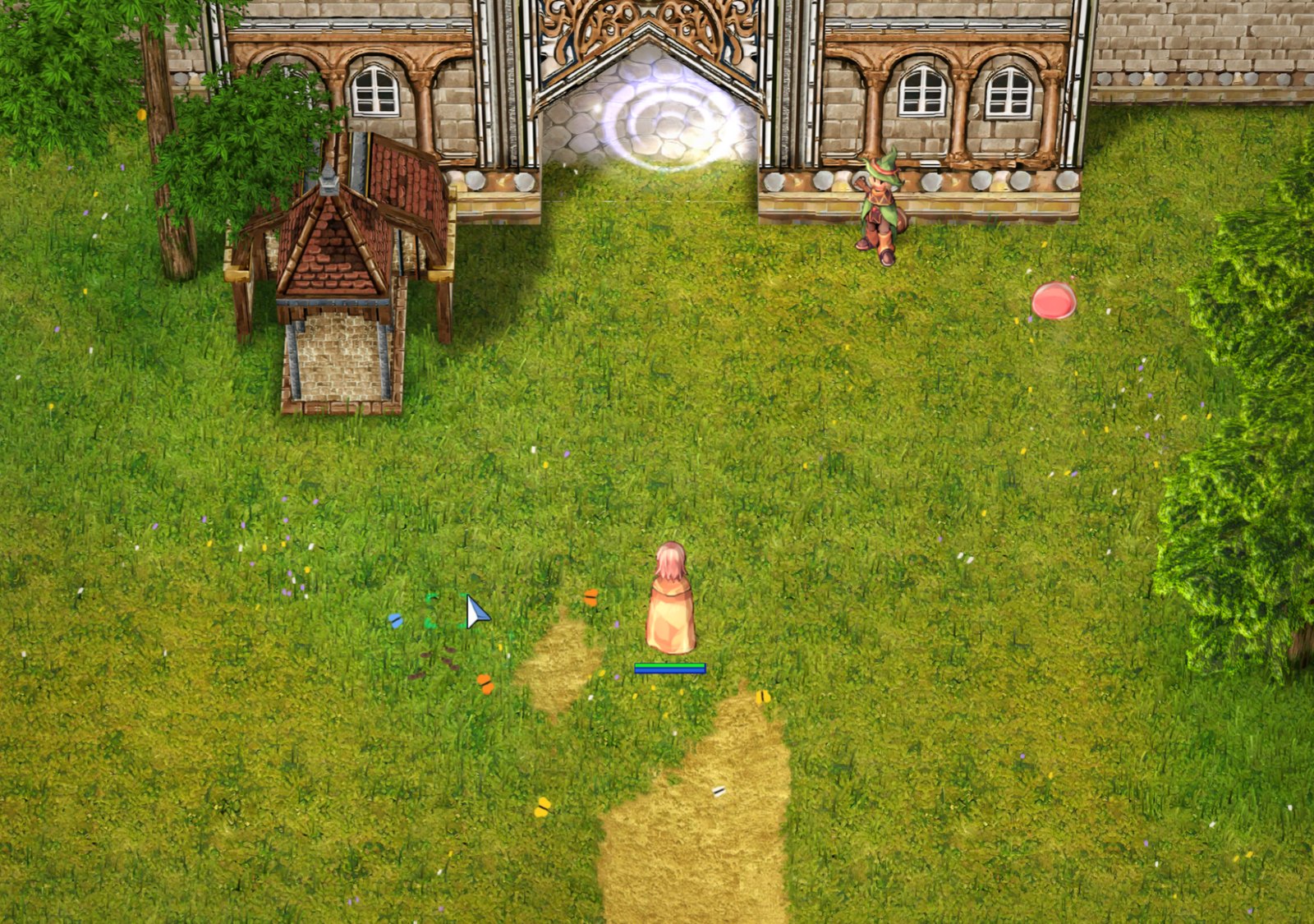
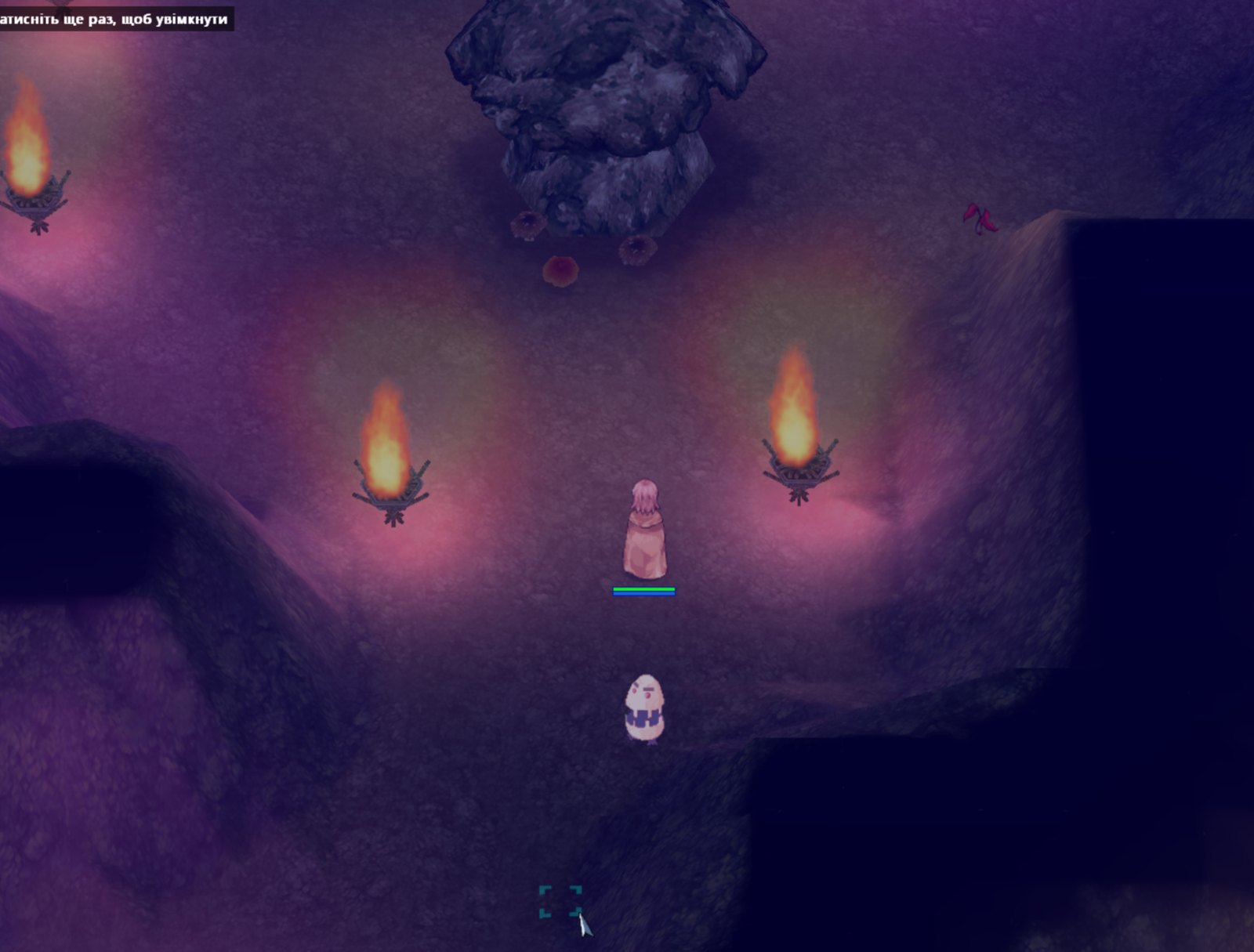
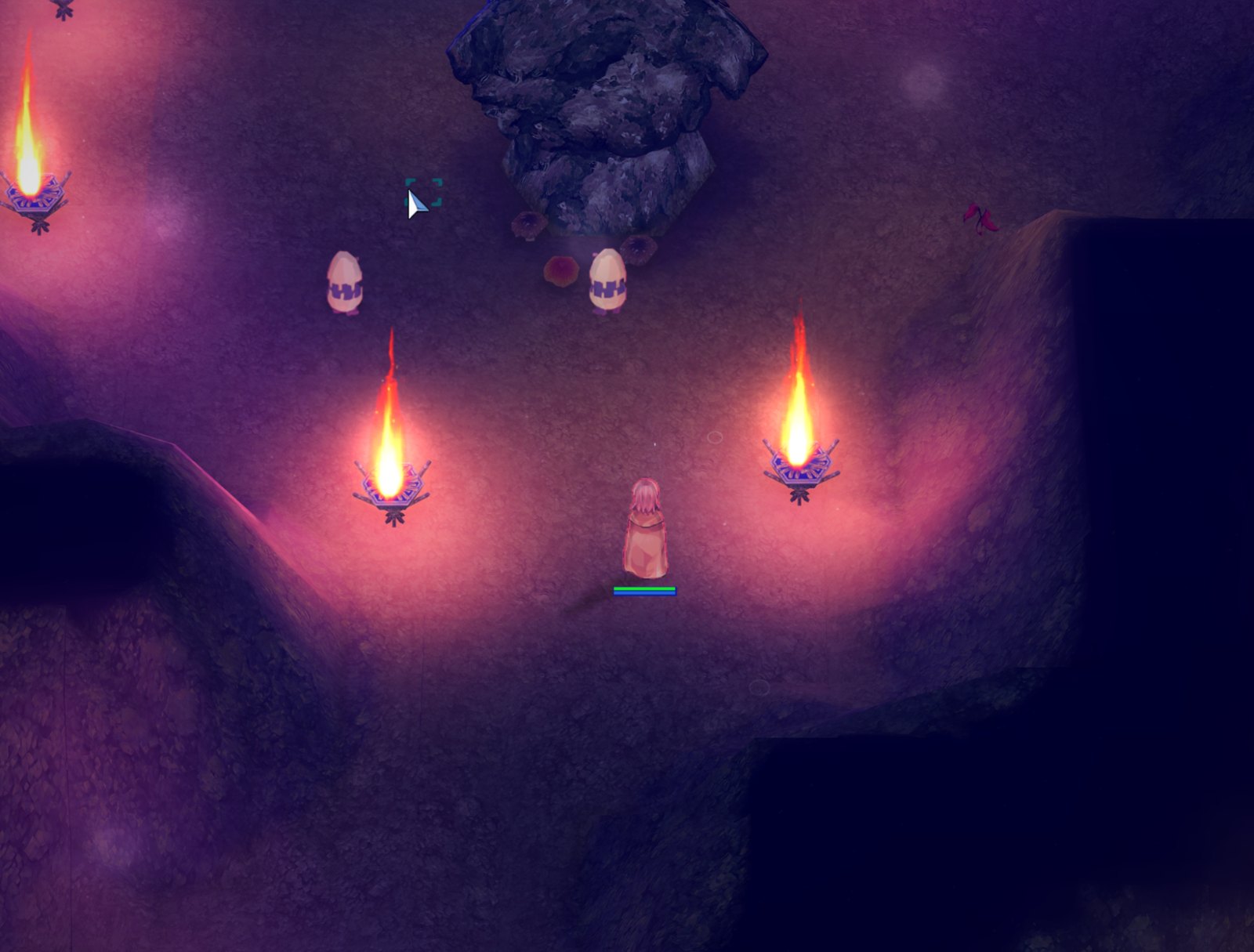
Left — uaRO HD, right — the regular client. The same place and the same camera.
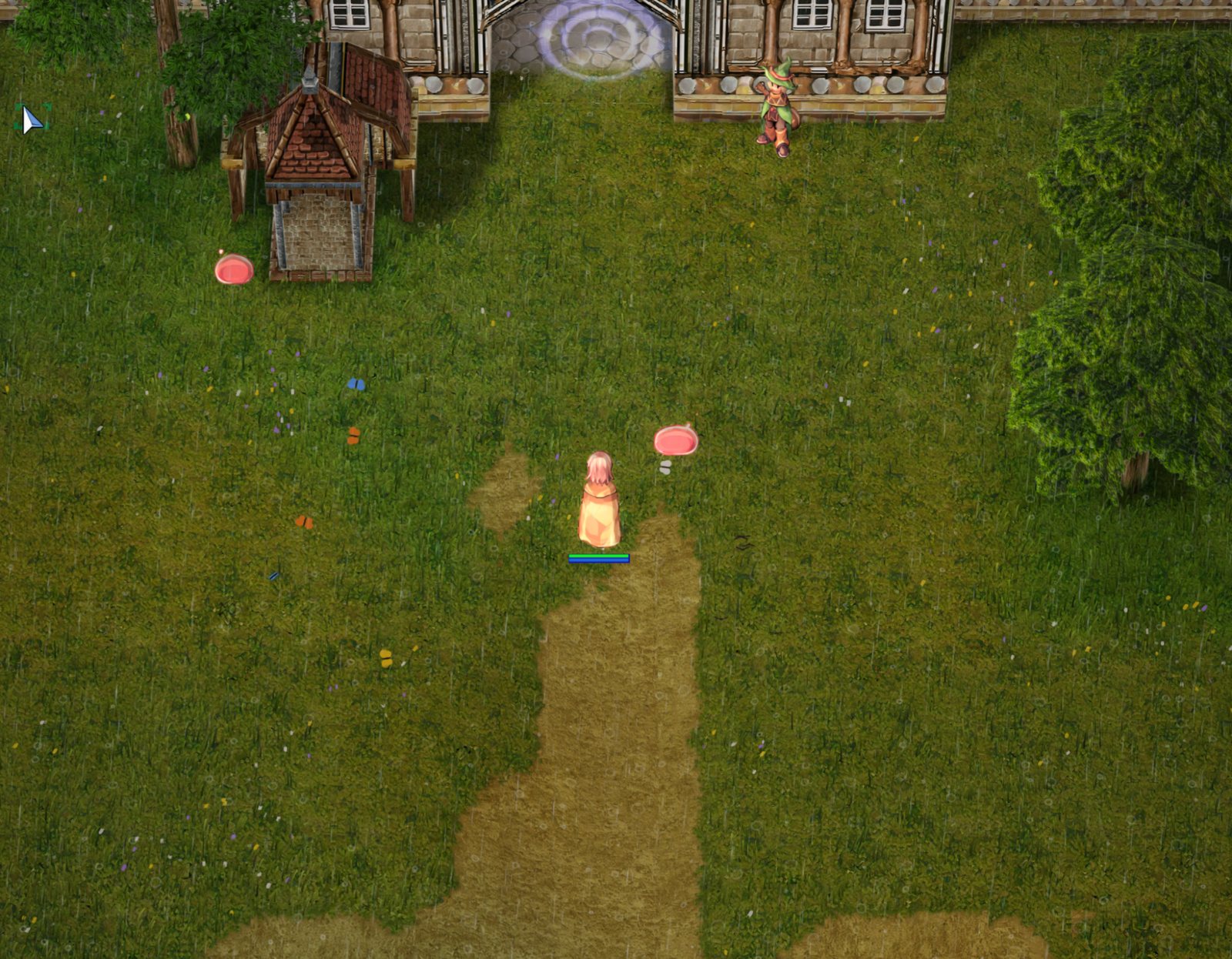
The field by the gate of Prontera
Grass with flowers instead of a flat green patch, trees' shadows, sharp walls and the portal.
 uaRO HDRegular client
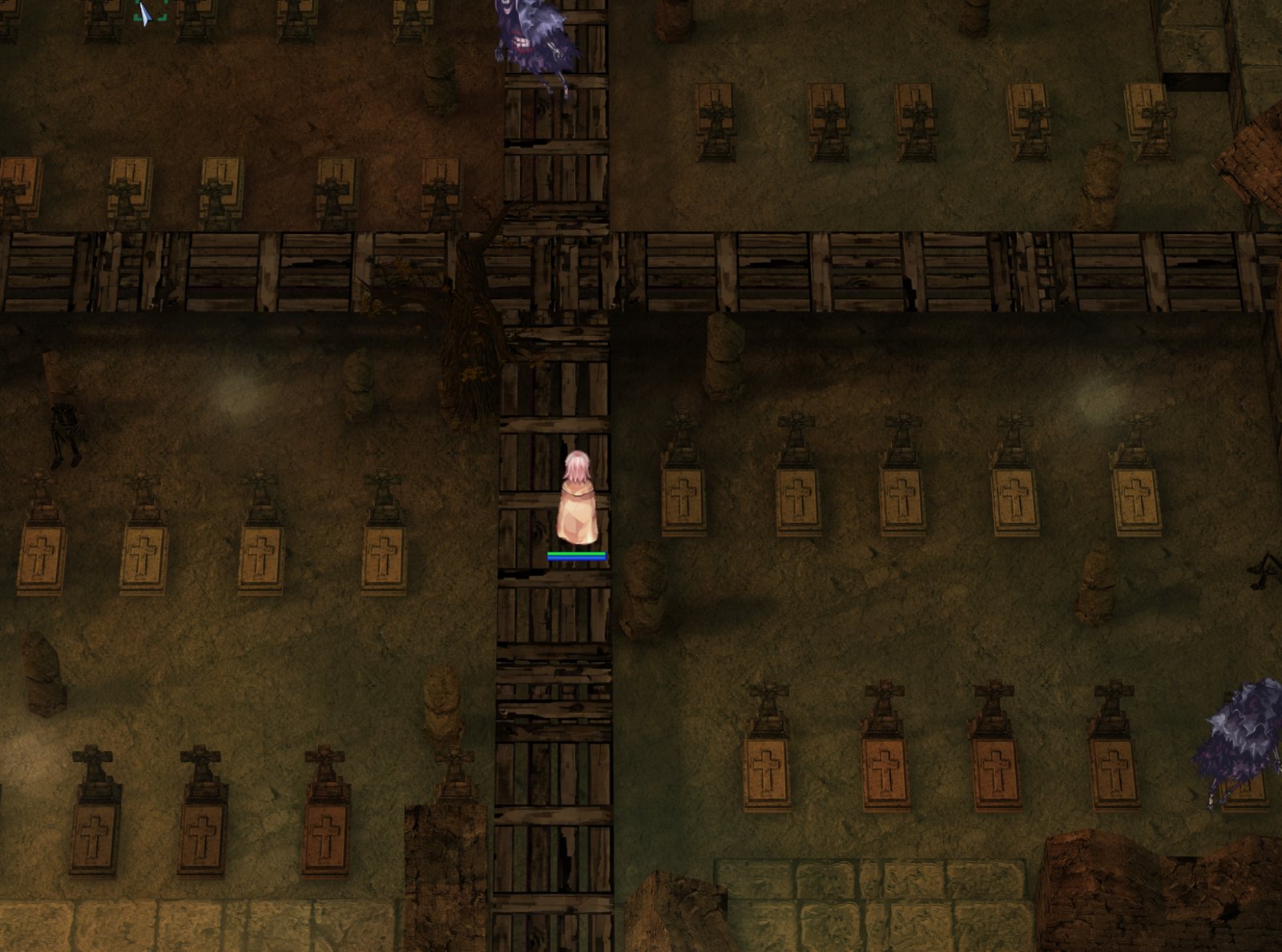
Payon Cave
The braziers' living fire lights the cave's floor and walls.
 uaRO HDRegular client
Byalan, the underwater cave
Waves on the water, bubbles, the bottom's relief and light from above.
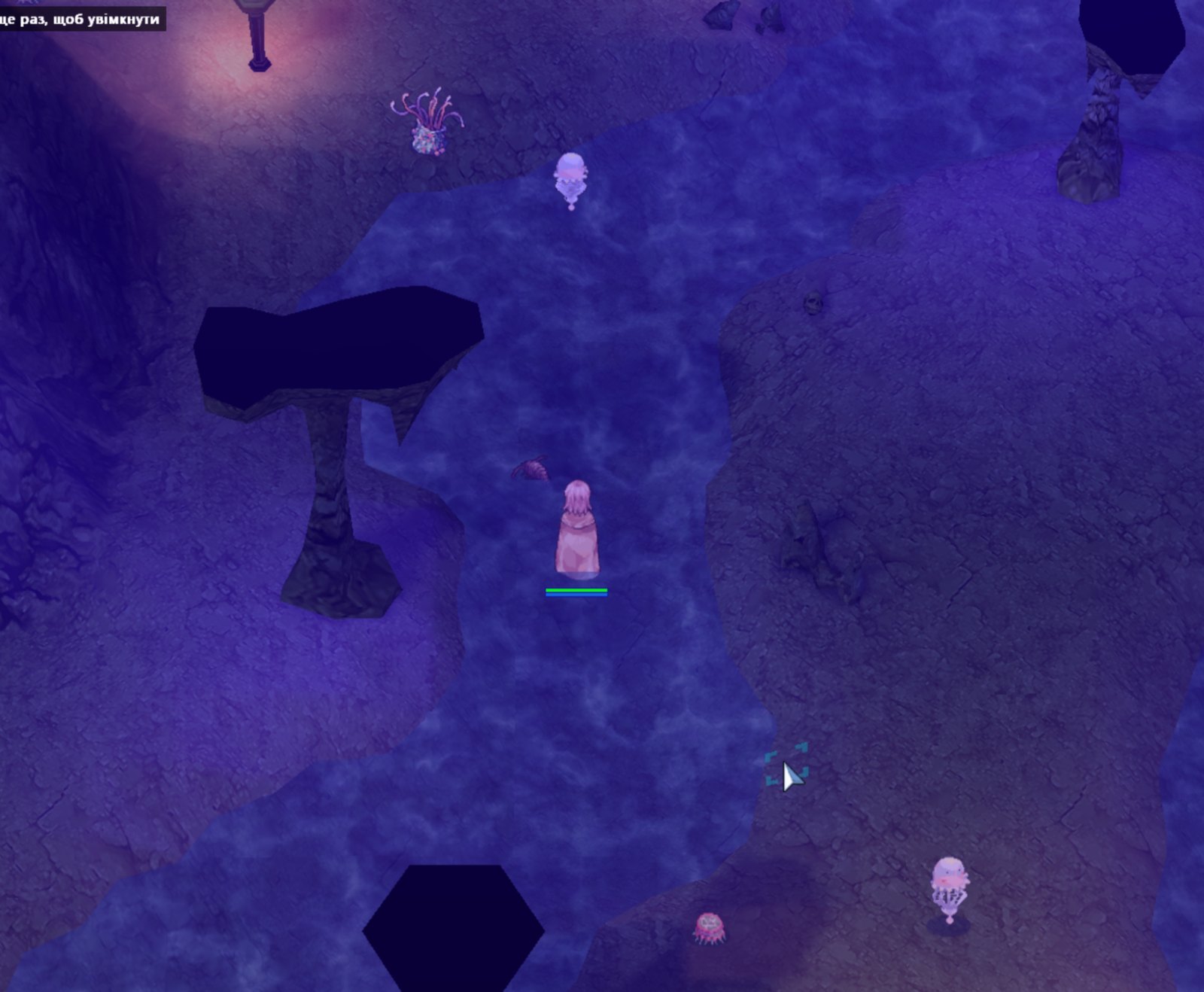
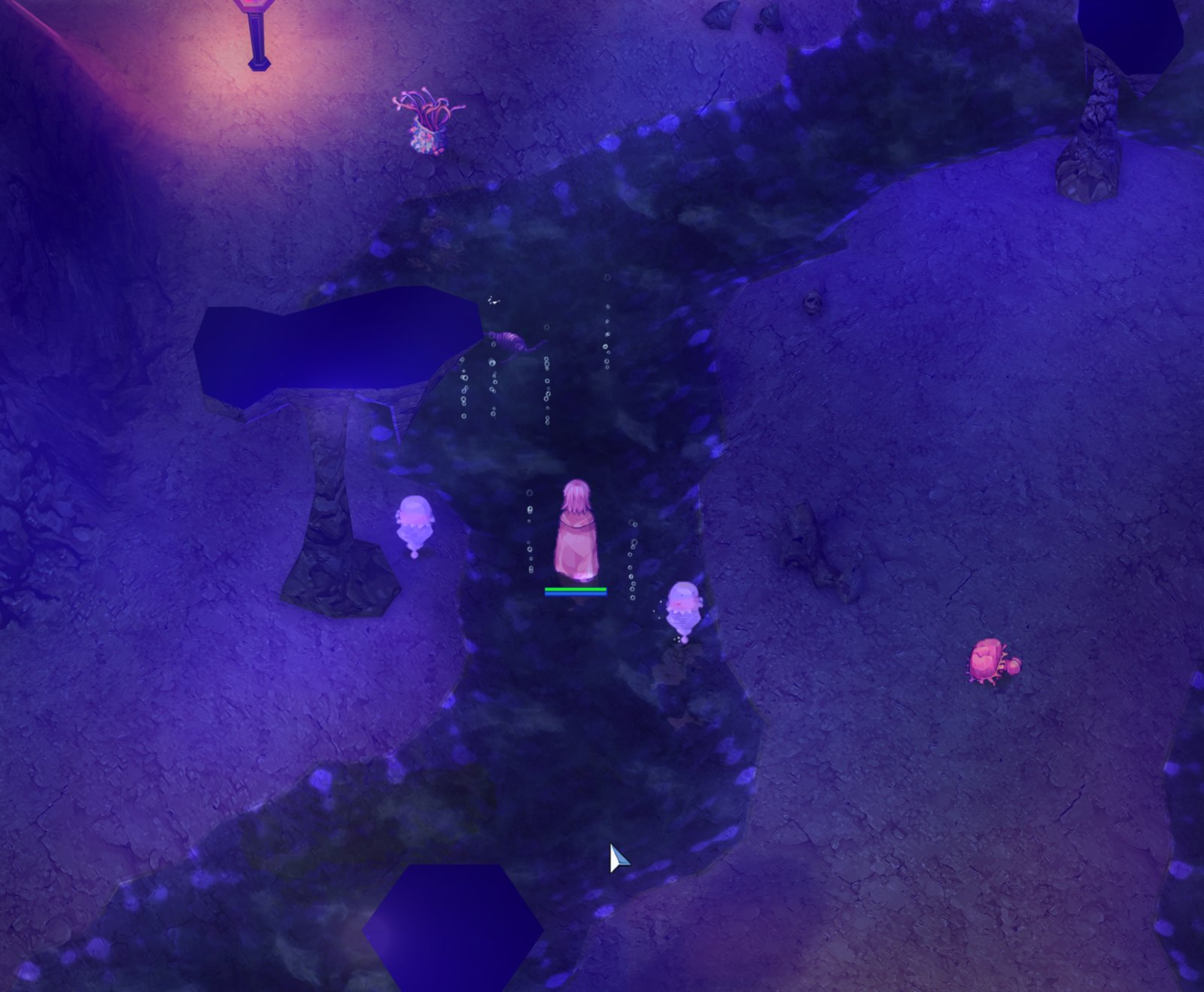 uaRO HDRegular client
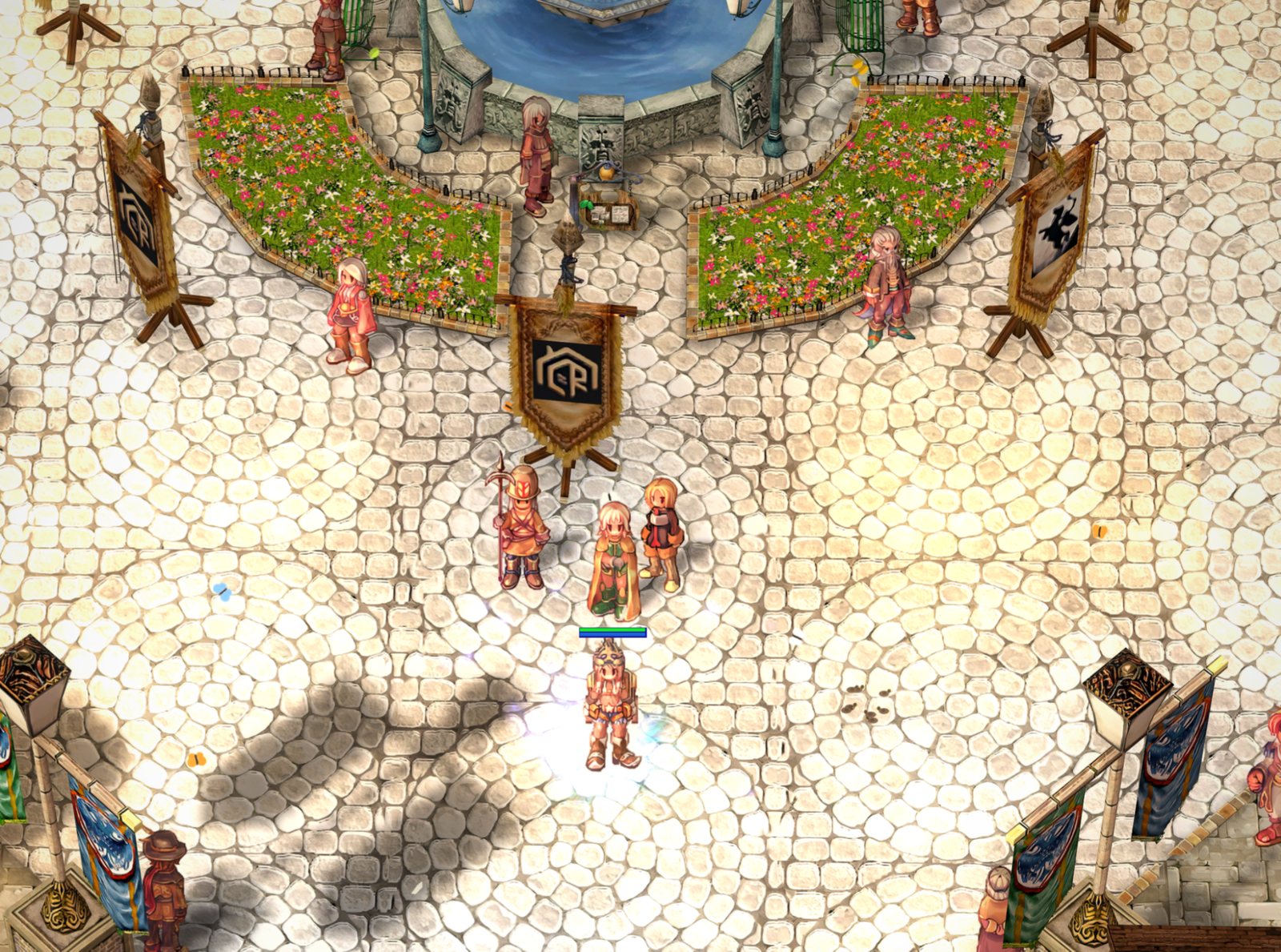
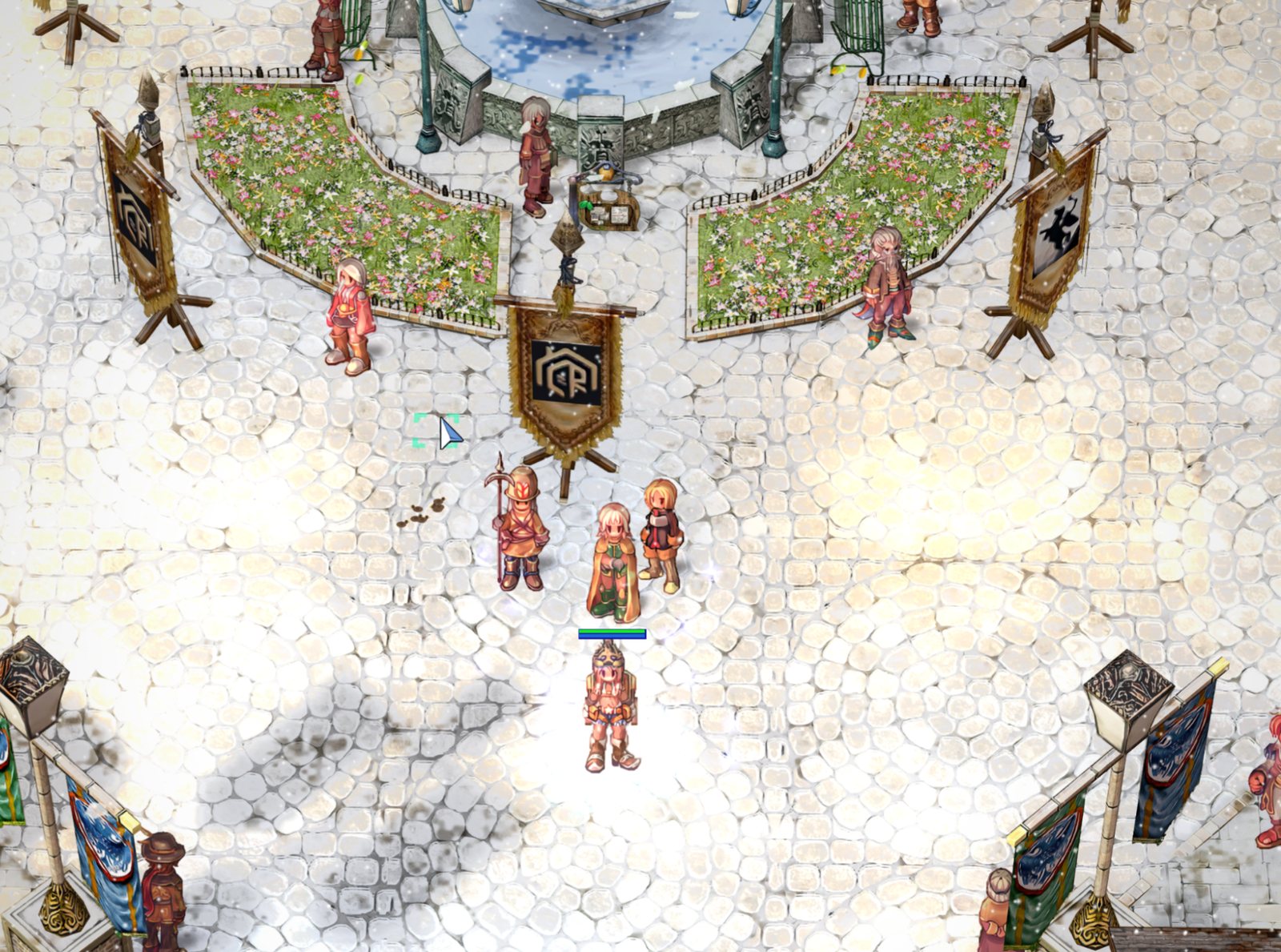
One fountain of Prontera at four different times
The sun follows your computer's clock, and in winter snow lies on the cobblestones. You can set your own time and weather right in the game.
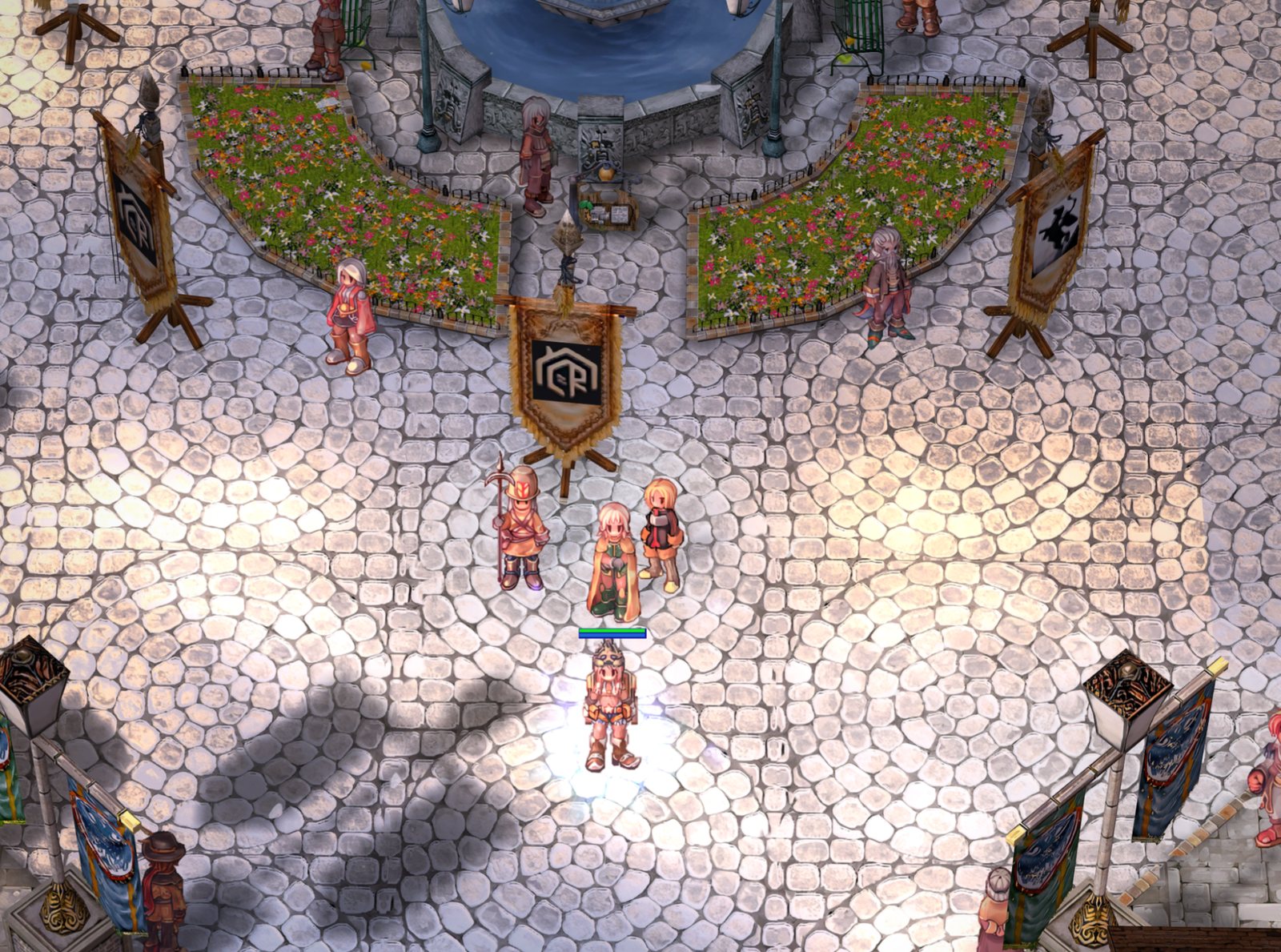
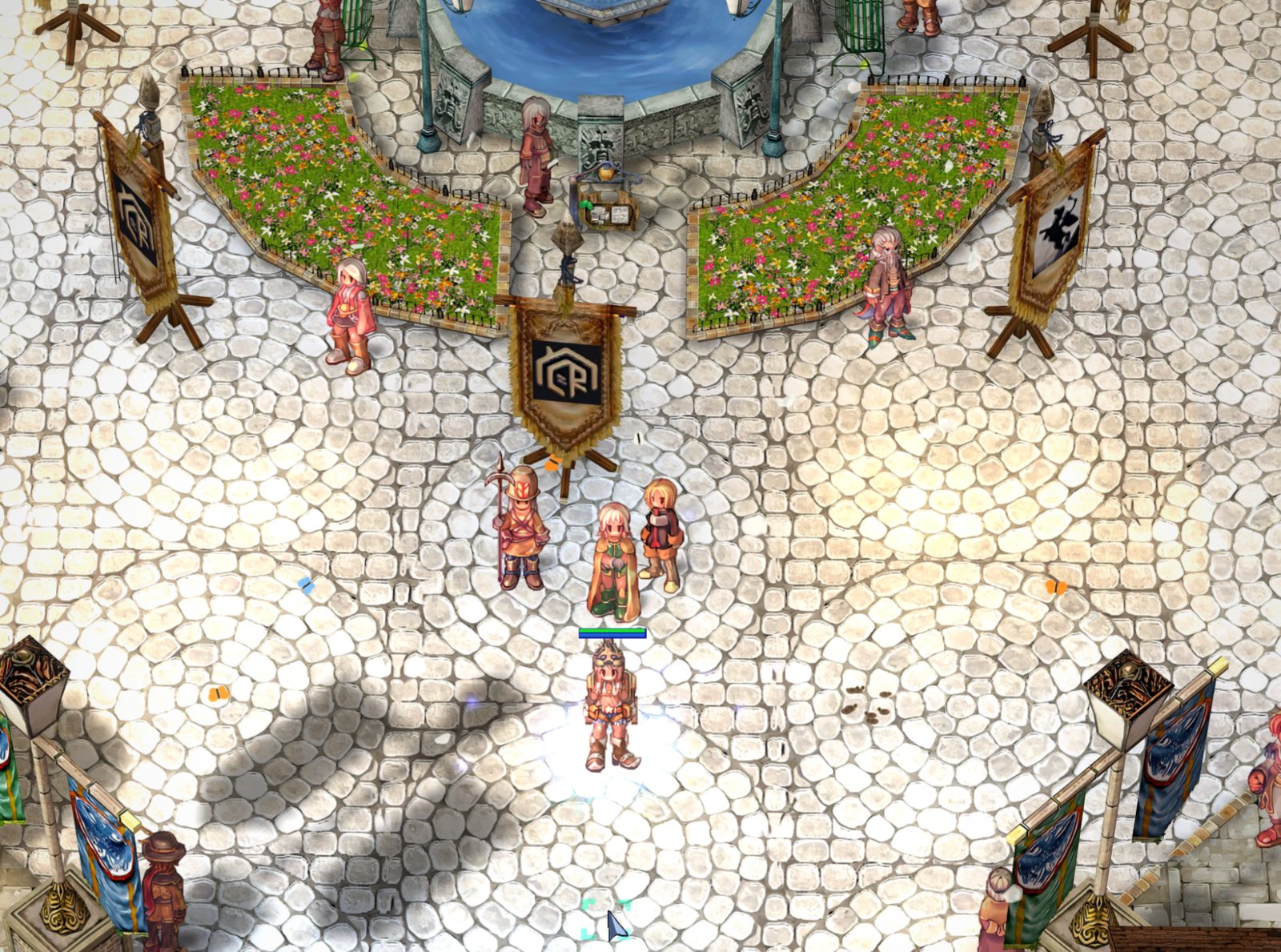
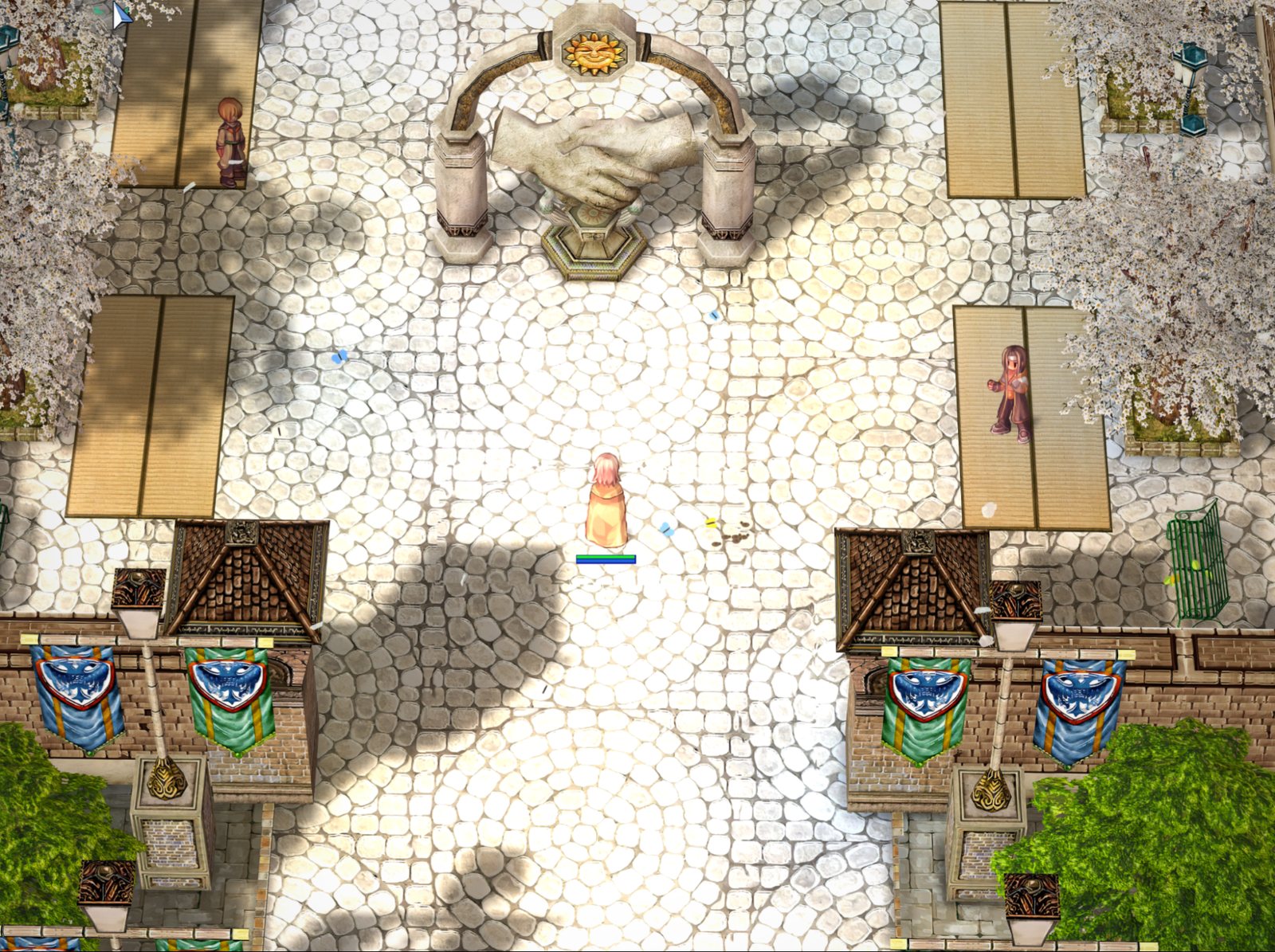
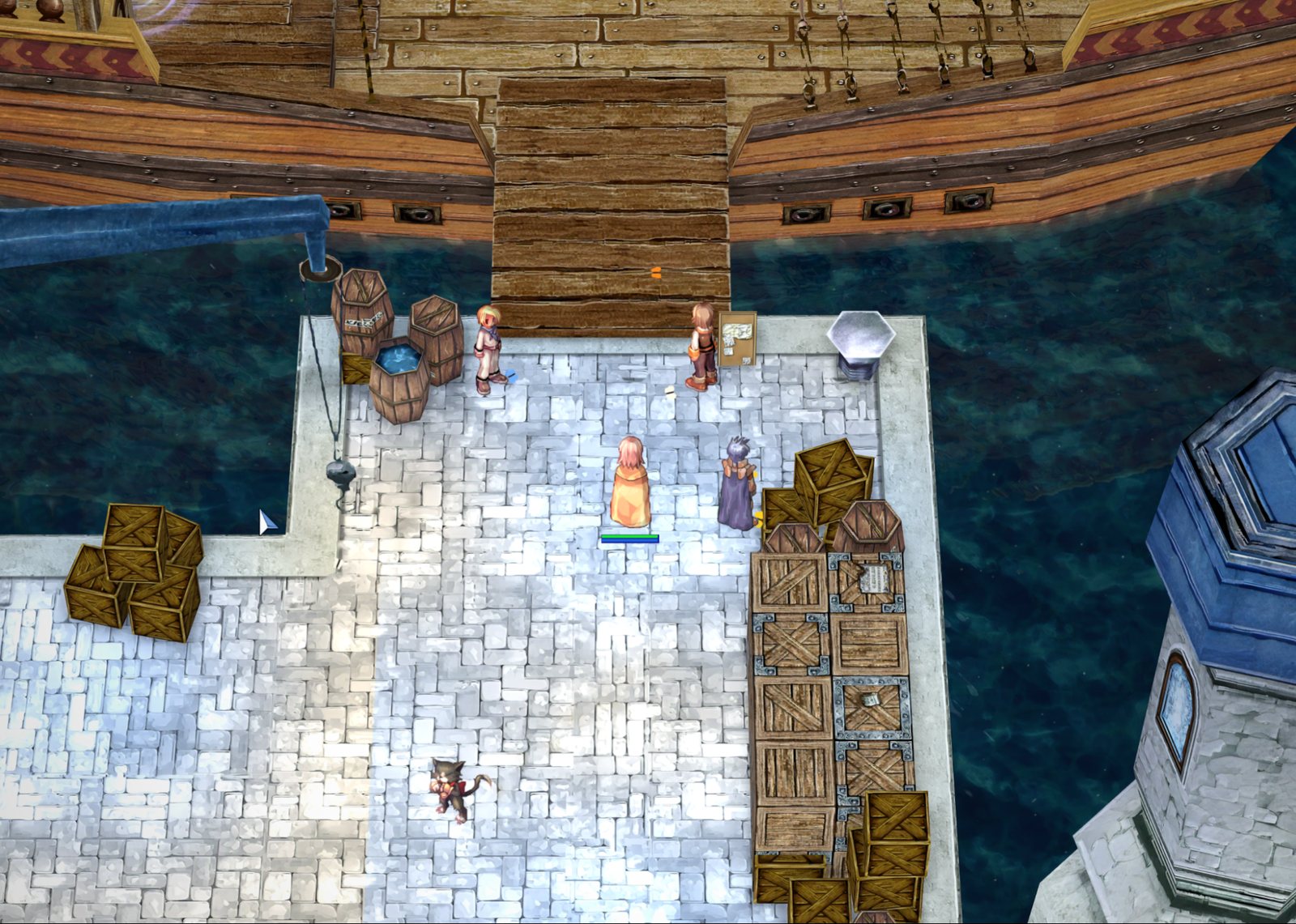
Familiar places you will want to look at
Everything that changed
HD textures
306 thousand game pictures redrawn four times sharper: characters, monsters, items, houses, the ground.
Light and shadows
The sun moves with the clock, houses and trees cast shadows, torches and lamps shine at night.
Water and weather
Waves and reflections, rain, snow, falling leaves and sandstorms, seasons — snow on the roofs in winter.
Grass and living world
Living grass on fields and flower beds, butterflies by day, fireflies at night.
Skill effects
The fire of skills lights the ground around it, portals redrawn at full resolution.
Sharp interface
The game's text and windows stay sharp on a big monitor, no blur.
Speed
The game opens in 0.3 s, a map loads in 0.2 s.
Several windows and gamepad
A windows panel right in the game, light background windows, play with an Xbox or PlayStation controller.
Installed in five minutes
- 1
Download the archive
The button below leads to Google Drive.
- 2
Unpack it into its own folder
For example, C:\Games\uaRO-HD. Your regular uaRO client stays as it is.
- 3
Start uaRO HD
A «uaRO HD» shortcut appears on the desktop. The program picks the settings for your graphics card itself.
- 4
Play
Log in with your uaRO account. Updates come by themselves — the «Перевірити оновлення» button on the first page.
What it runs on
Any computer that runs the regular uaRO. The program picks the settings for your graphics card itself.
| What | Needed |
|---|---|
| Graphics card | Any, even an old one. Best with DirectX 12: then every feature works, and on NVIDIA GeForce RTX also DLSS |
| System | Windows 7, 8, 10 or 11. Best on 10 or 11 |
| Disk space | About 9 GB (the archive is 8.2 GB) |
A weak laptop? There is a light mode, and any effect can be turned off on its own.
Frequent questions
Is it the same server?
Yes. uaRO HD is a client for our uaRO server: your account, characters and items are the same.
Does my regular client stay?
Yes. uaRO HD installs into its own folder with its own shortcut; you can keep both.
Does it give an advantage in the game?
No. Only the picture changes: the rules, the character's speed and the view distance are the same as in the regular client.
My computer is weak — will it run?
Yes. uaRO Graphics picks the settings for your graphics card: the client runs even on old cards and Windows 7, just without DLSS. Weak PCs and laptops have a light mode, and any effect can be turned off on its own.
Something is wrong — where do I write?
Right in the game press Ctrl+Shift+F10 — a report reaches us with a screenshot and the logs.
uaRO HD Client
The full client: the game + uaRO Graphics + HD textures
Archive uaRO-HD-2026.10.12.zip · 8.2 GB. When a newer version comes out, the program offers the update itself.