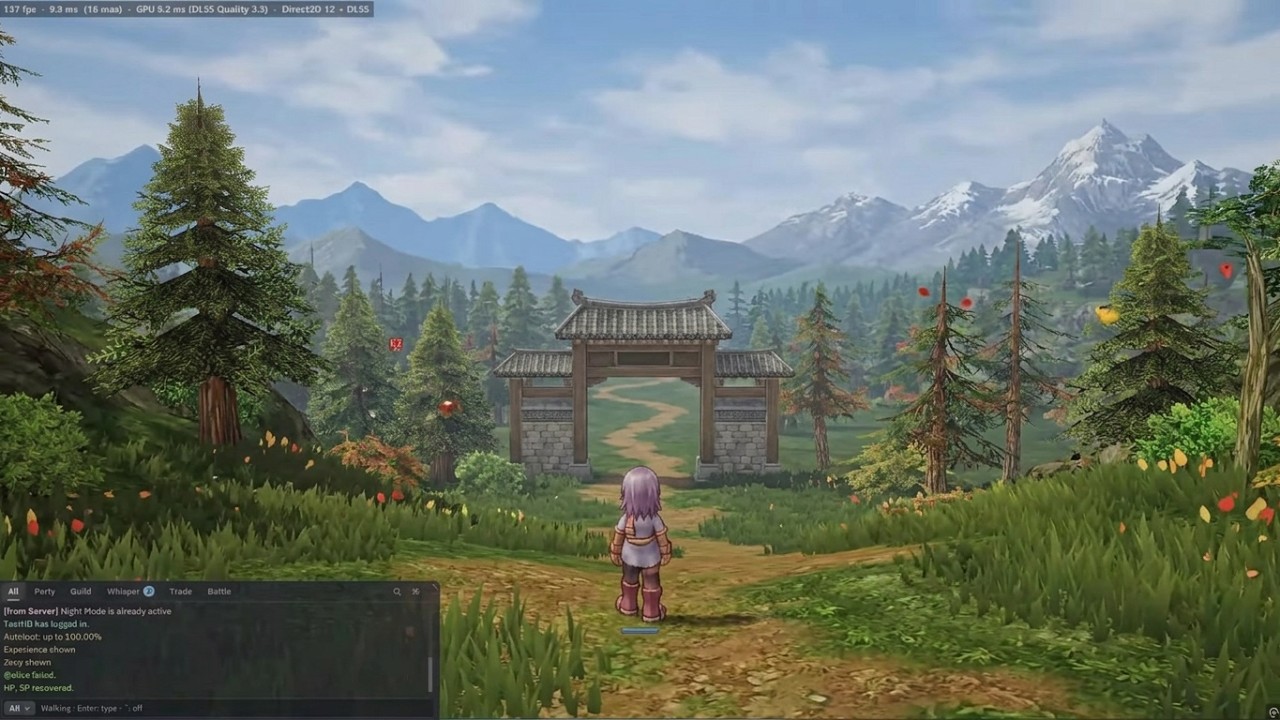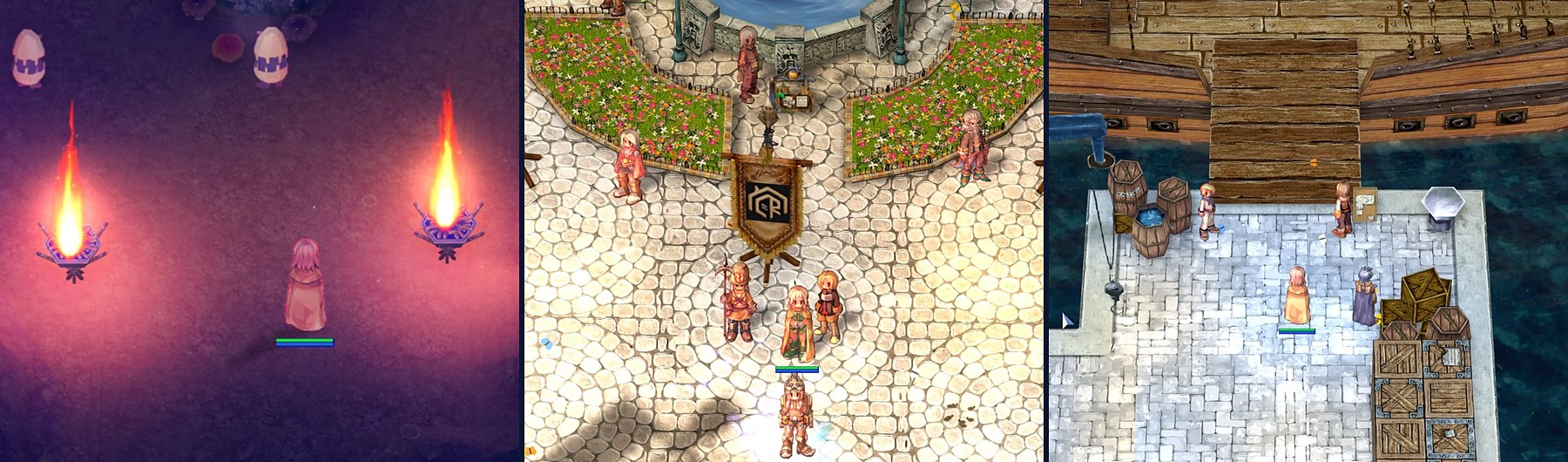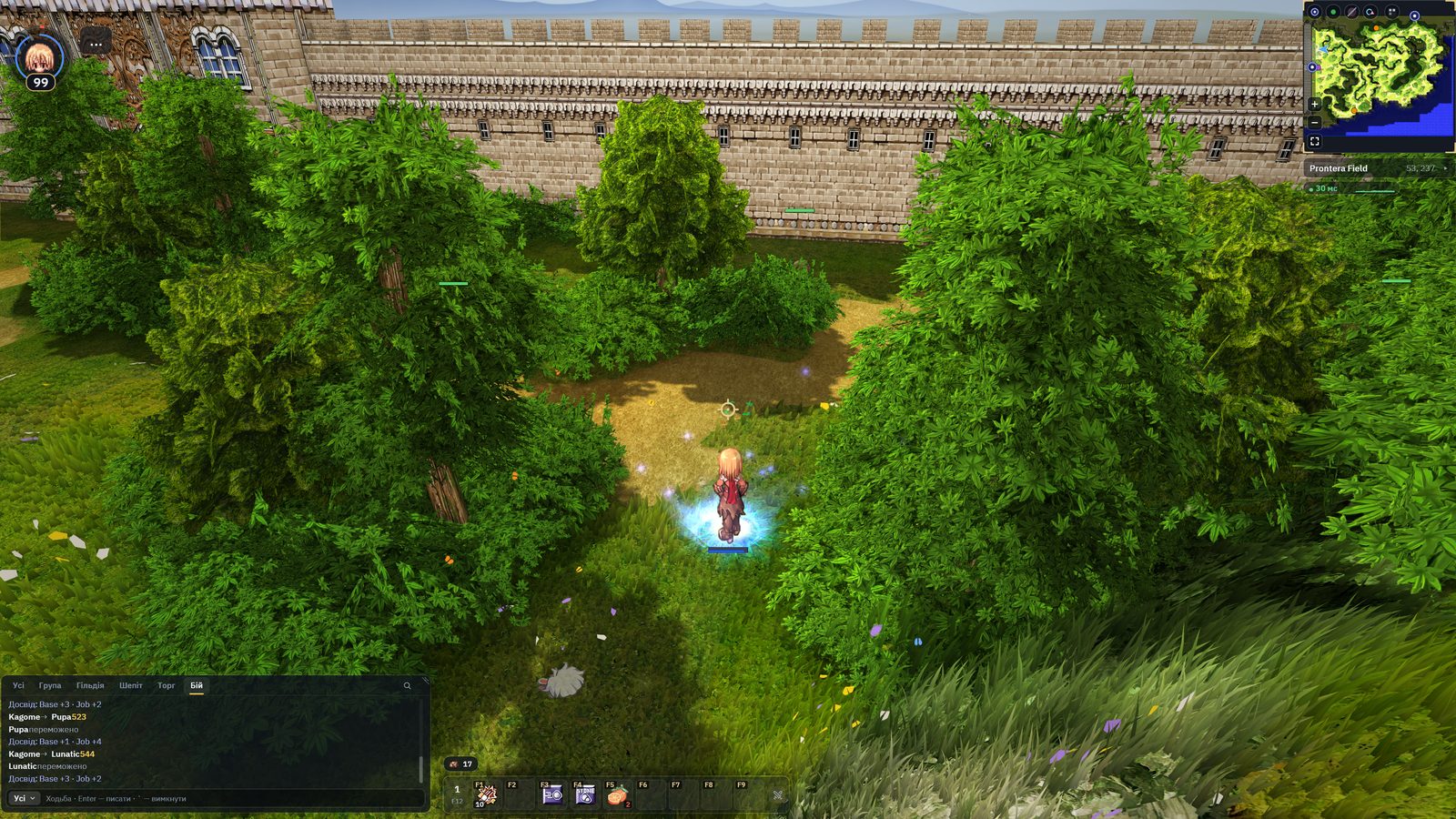
uaRO Graphics 3.0.21 is out — an update for the uaRO HD client. A lot has changed since our last announcement; here is the main part.
3D view
The camera behind your character or in first person: Ctrl+Shift+V or two buttons in the character block. Meadows and grass into the distance, a sky with stars and the moon, mountains on the horizon, ceilings in houses. Damage numbers, Miss and the target marker show at any camera distance, and a line at the bottom tells you which keys to press.
A new interface
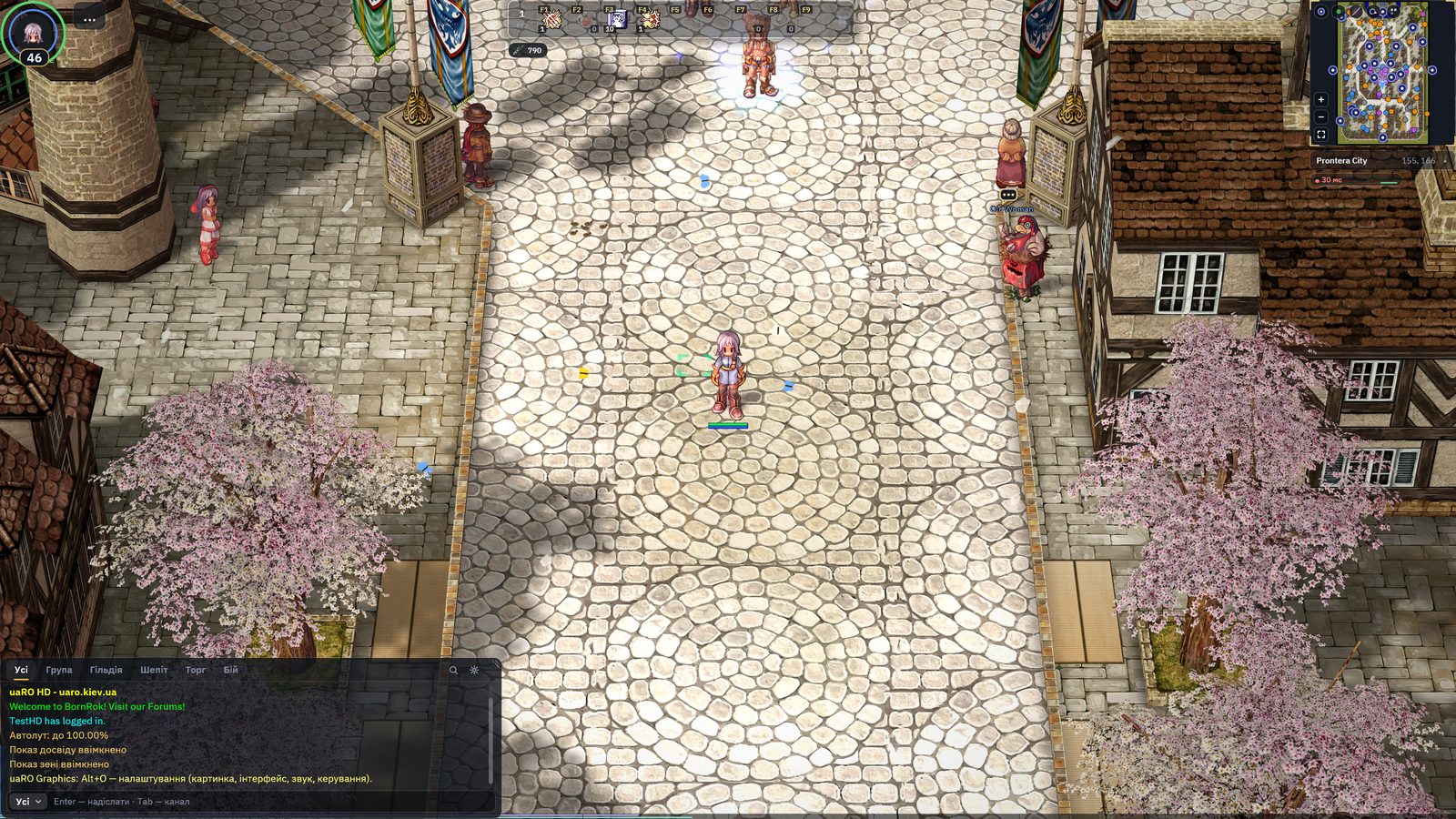
- Every game window is made anew: they move, resize, and their text stays sharp at any size.
- The Reference (Ctrl+F): monsters, items, maps and quests — where to look, what drops, and your step in a quest.
- A chat with tabs and search, a minimap with the ping and the exchange speed with the server.
- You can play with a gamepad too: windows, the Reference, the map, shops and NPC talks.
Every setting — Alt+O
Eight sections right in the game: «How the game looks», «Picture», «3D view», «Interface», «Controls», «Sound and notifications», «Speed and screen», «Game and network». Search across all of them, «Defaults» resets a group in one click, and a row tells you why a change does not show.
Faster and steadier
- Houses, trees and bridges are drawn by our renderer, and a frame is worked out on several threads — fewer stutters.
- The first start picks the picture for your graphics card by itself.
- Crashes fixed, among them on castle maps and in the Reference.
How to update
If you already have the uaRO HD client, the program updates itself: «Update and play» on the «Game» screen. New players — download the client: uaRO HD Client. Discussion — on the forum.
Something wrong? «Report a problem» on the «Game» screen, or Ctrl+Shift+F10 in the game. We answer every report.